
Schematic Navigation
The site can be navigated using two primary methods:
- 1. Mouse
- 2. Touch Screen
1. Mouse Navigation
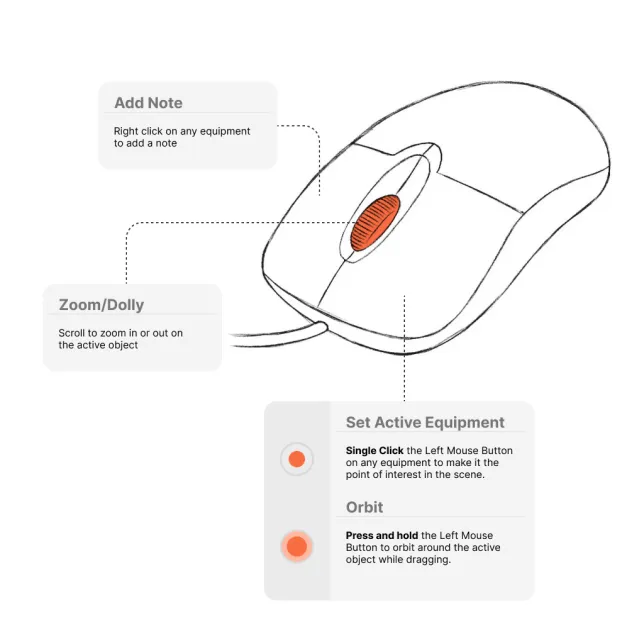
- Click on any equipment on the site to select it. Once selected, the equipment becomes the pivot point around which the camera orbits.
- Use the scroll wheel on the mouse to zoom in and out of the site for better visibility and exploration.
- Use the right mouse button on an equipment to add a note or comment to the equipment.
2. Touch Screen Navigation
- Tap directly on any equipment on the site to select it. The selected equipment becomes the pivot point for the camera’s orbit.
- Adjust the zoom level by using the User Interface slider (refer to UI Slider - Item 8). This allows for precise navigation and focus on specific areas of interest.